Every Amazon payout, in your QuickBooks.
Each payout goes into QuickBooks Online on its own. Your books stay up to date for you or your accountant.
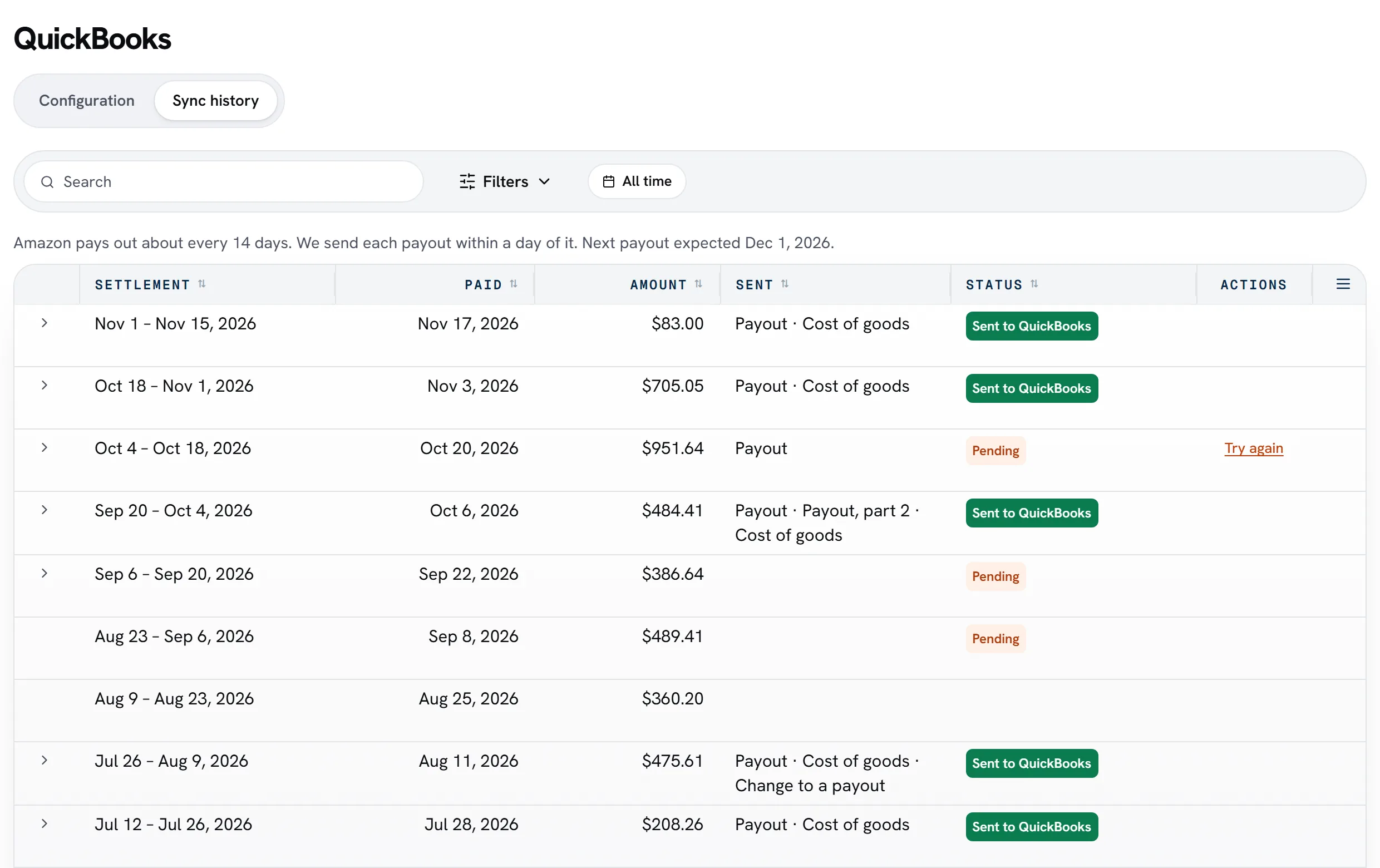
Each payout, sorted for you.
Sales, refunds and fees
Sales, refunds, promotions and every kind of Amazon fee, each in its own account.
Your cost of goods
The cost of the units each payout sold, from what you paid.
Matches your bank
Each payout equals your bank deposit, to the cent.
Month by month
A payout that crosses a month end is split, so each month's books are right.
How it works.
Connect QuickBooks
We suggest accounts and make any that are missing. You pick your bank account.
Look over a payout
Pick your first payout month and check your latest payout.
Turn it on
Nothing is sent until you do. Then each new payout goes in with no click from you.
QuickBooks is on Pro, and in every 14-day trial, for US stores.
QuickBooks is a trademark of Intuit Inc.
Common questions
Does it work with QuickBooks Desktop?
No. It works with QuickBooks Online, for US Amazon stores and a US-dollar QuickBooks company.
Do my buyers' details go to QuickBooks?
No. Only totals go in, with no buyer names, addresses or order details.
Will each payout match my bank deposit?
Yes. A payout that doesn't add up to the deposit isn't sent.
What happens with lost or damaged units?
The money Amazon paid back goes in its own account, and the units come off your inventory.
Read nextReal profit after every feeSee pricing